
On this page
Have you ever tried to create images with generative AI and felt frustrated? Maybe you wanted a consistent character in different poses or a matching set of icons, and it just seemed impossible. I was struggling with this myself, so I decided to document all my tips and tricks.
I recently shared these findings in a presentation for Women Defining AI, a non-profit community helping to level the playing field for women and non-binary individuals with generative AI. Since this is such a common problem, I wanted to share my "secret sauce" with everyone.
Hands-on Lab: http://bit.ly/45BhSrJ
Watch the presentation:
Creating a Consistent, Realistic Character: Meet "Vera"
To make this guide more practical, I decided to present it as if I were hiring an AI employee to help with my work. Let's call her "Vera," our Virtual Assistant. The first step was to give her a profile photo.
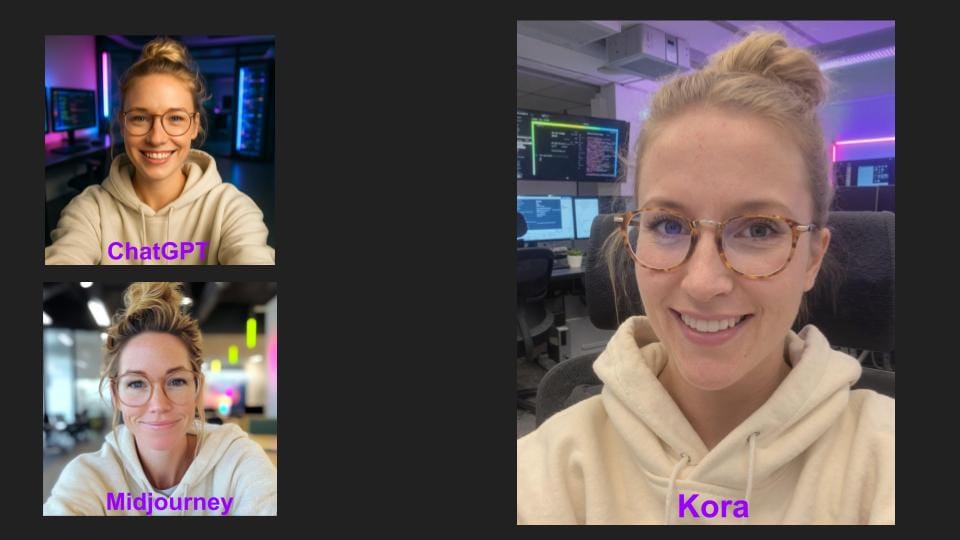
The tricky thing is that most AI-generated images look like they were taken by a professional photographer. For a more authentic look, I found the best solution was Enhancor.ai. Their "Kora Human" model, which requires at least the $24 plan, created a much more realistic selfie of Vera than ChatGPT or Midjourney did with the same prompt.
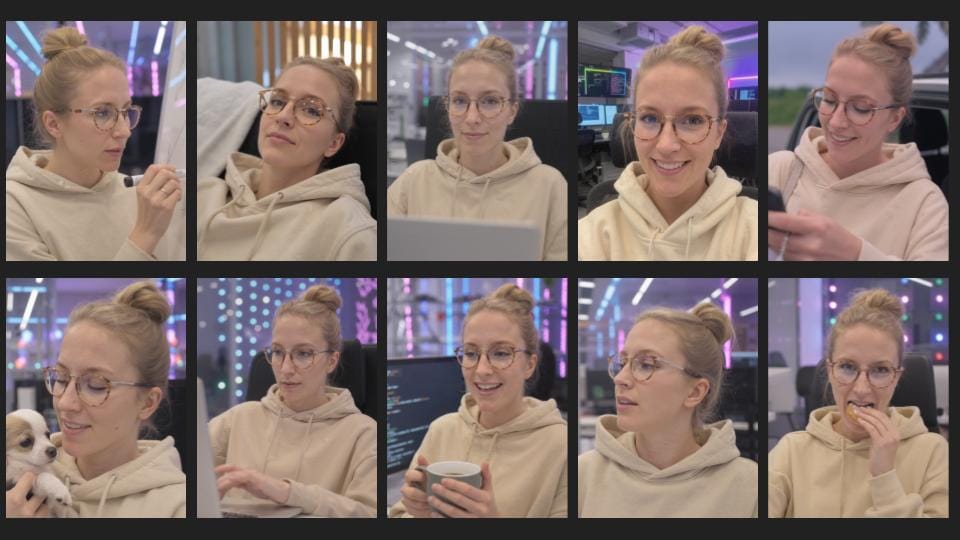
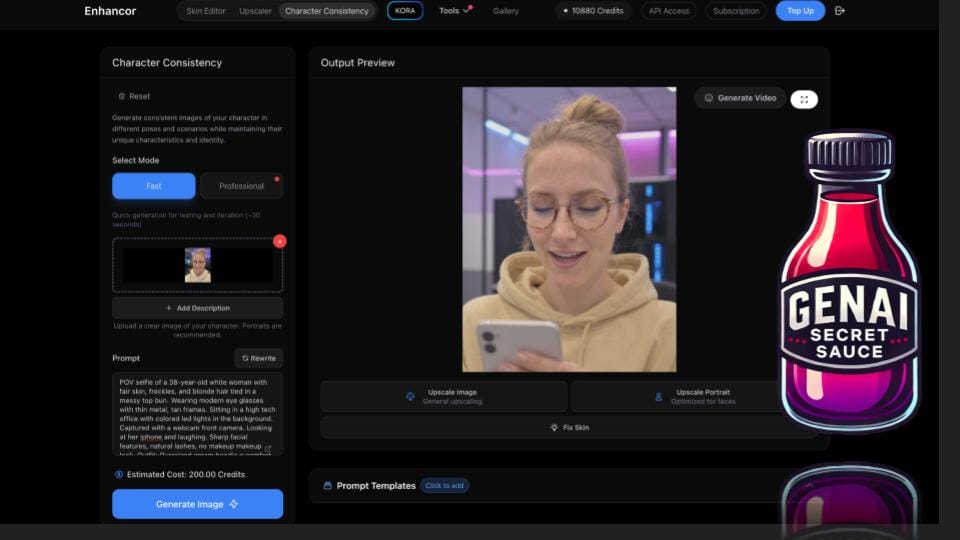
Once I had my original image of Vera, I used Enhancor's "Character Consistency" feature to put her in different poses. The secret sauce here is that even though you upload your original photo, you should still paste in the original prompt you used to create the character, you just build off of it by adding new actions, like having her look at her phone.
Advanced Consistency: Using JSON Style Profiles for Branding
What if you need to create a whole series of stylized brand images? For a campaign with the Women Defining AI brand, I wanted to create a diverse set of images that all shared the same colorful, stylized look. Simply uploading the source images into ChatGPT 5 for style reference didn't give me the consistency I needed.
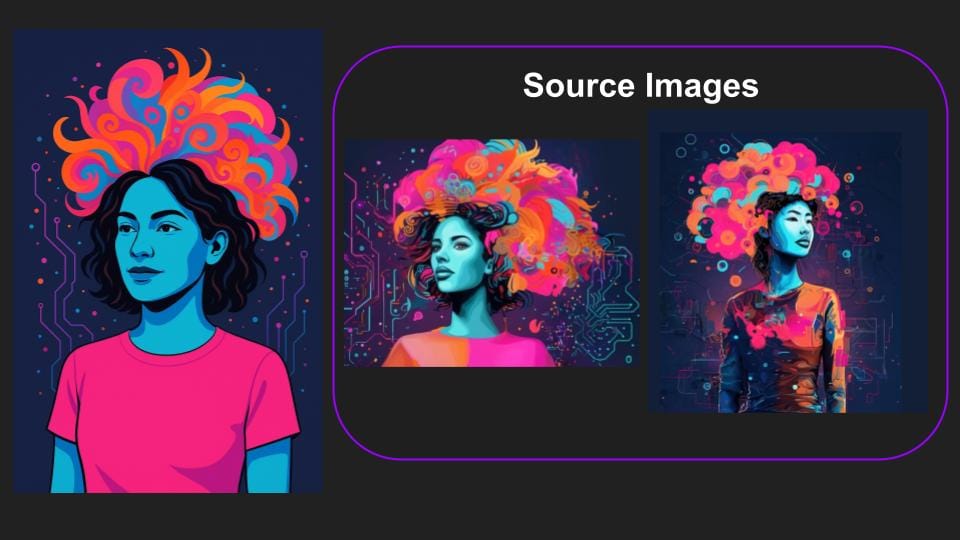
So, I tried a different approach: creating a JSON profile. Think of a JSON profile as a detailed list of instructions that I can give to ChatGPT to generate an image in the exact style I want.
Here’s my process:
- In a new chat, I uploaded two source images that defined the style.
- I used the prompt: "Create a Json profile that explains the style of these two images that can be used to create a consistent image matching that exact style in the future.".
- After ChatGPT generated the JSON code, I started a new chat session. I again uploaded my source images for reference and pasted the JSON profile into my prompt.
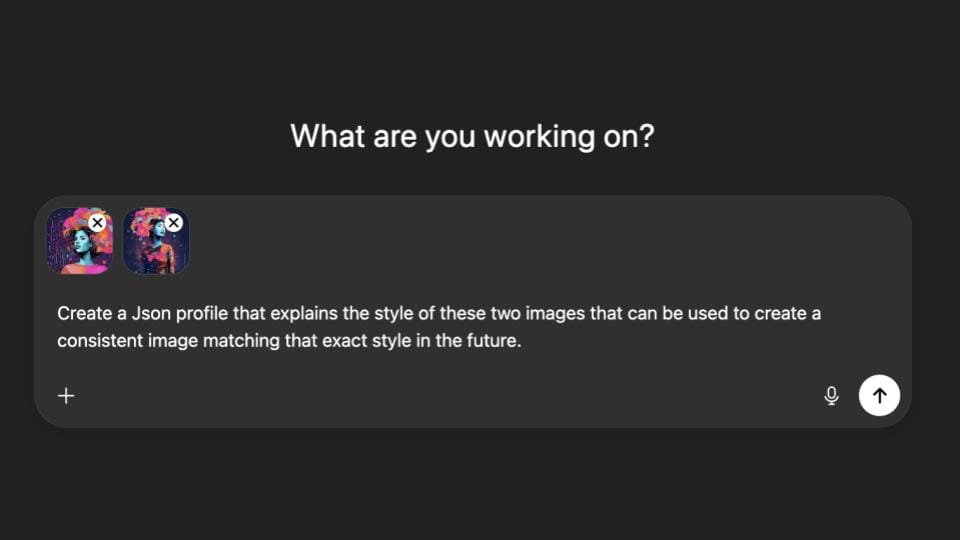
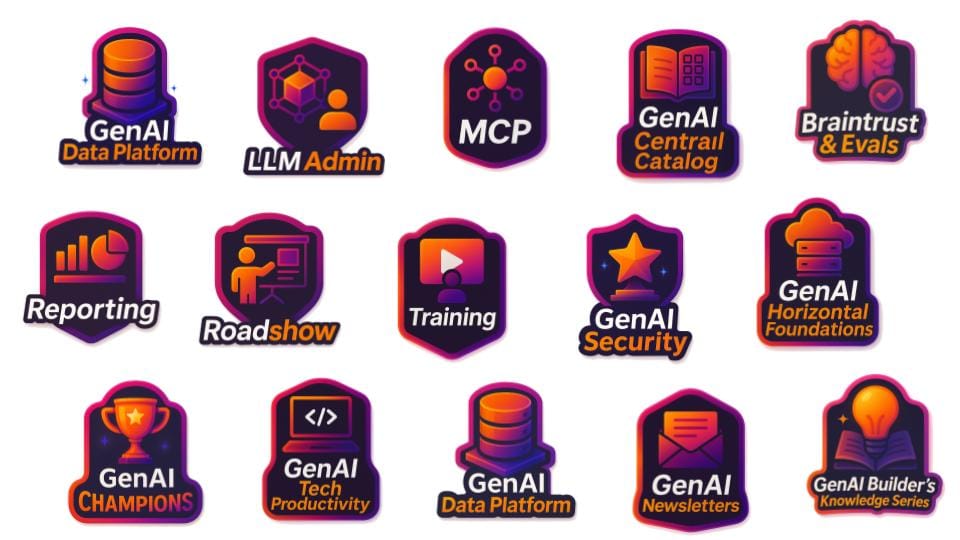
The results were much better. But the real secret sauce was using an even more robust prompt that I built over a few hours. This prompt forced the AI to analyze the images more deeply, consider their similarities and differences, and even rate its own confidence on how well it was capturing each detail. When you make the AI give a confidence score, you are making it think more deeply about what it is doing. This technique also works perfectly for creating a consistent set of icons.
Taking It to the Next Level: Training Your Own Image Models
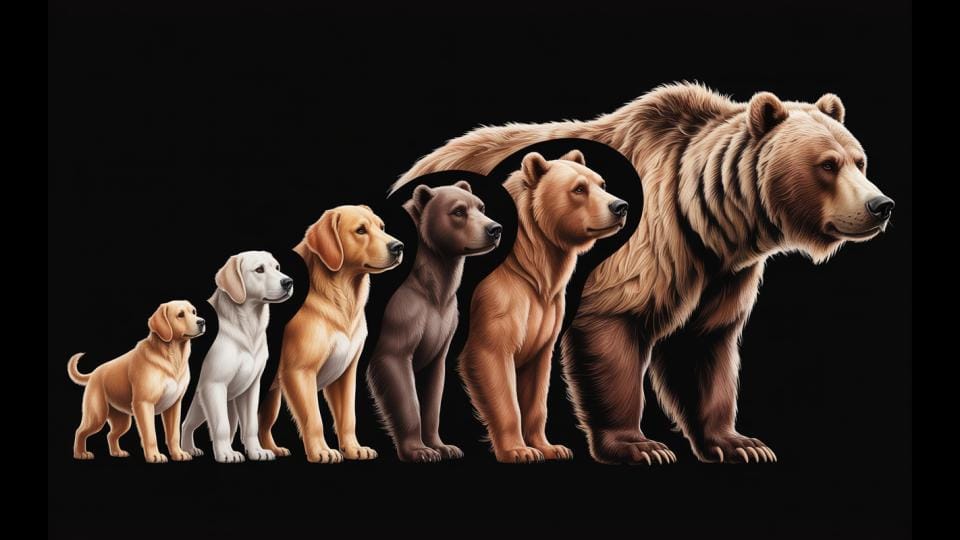
For the highest level of consistency, especially for a long-term project, I recommend training your own custom model. This is the best way to avoid "model drift," which is when results become less consistent over the course of a long conversation.
For a lighter-weight technique, explore consistency from a single reference image.
Example of drift: your image of a dog slowly turning into a bear.
Here are the tools I use:
- Scenario.com: At $45/month, this is the best tool I've found for training a model on a specific brand style. A great trick, or dare I say secret sauce, is to first use the JSON profile method to generate at least five consistent images and then use that set to train your model in Scenario.
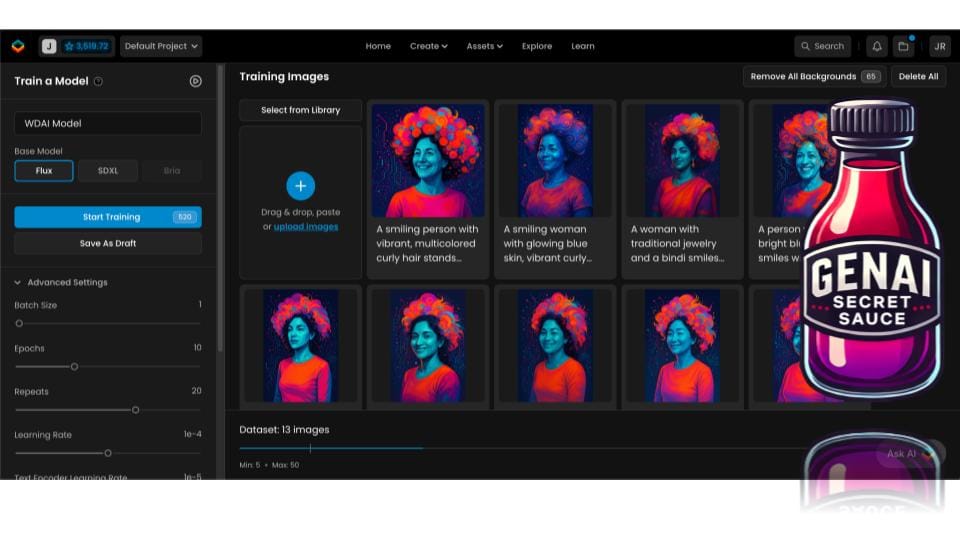
- dzine.ai: For $19.99/month, this tool is fantastic for creating consistent, non-human characters, and it's popular with game developers. What’s great is you only need one image to get started. I used it to create a recurring dolphin character for a children's book.
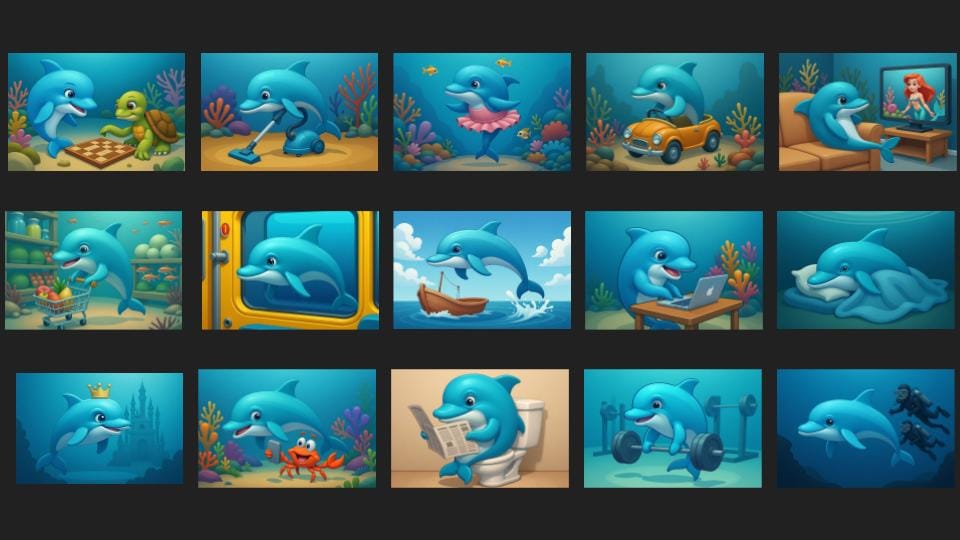
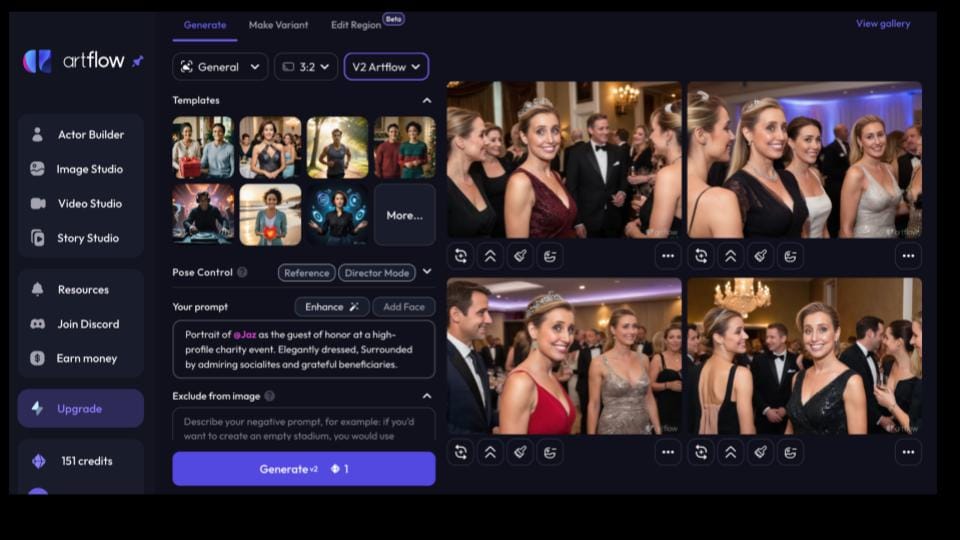
- ArtFlow.ai: What if you want to be your own brand asset? For just $12, you can use the "Actor Builder" to train a model on photos of yourself. This was the most fun I have ever had with $12. I used the Lens Buddy app ($2.99/week) and a phone stand to take 10-20 photos of myself, then uploaded them to train the model. Suddenly, I had an exciting weekend winning a marathon and being honored at a charity event, all from my computer.
A Fun Alternative: Face Swapping
If you don't need to train a full model but just want to put yourself in a different scene, Face Swap is another great feature available on dzine.ai.
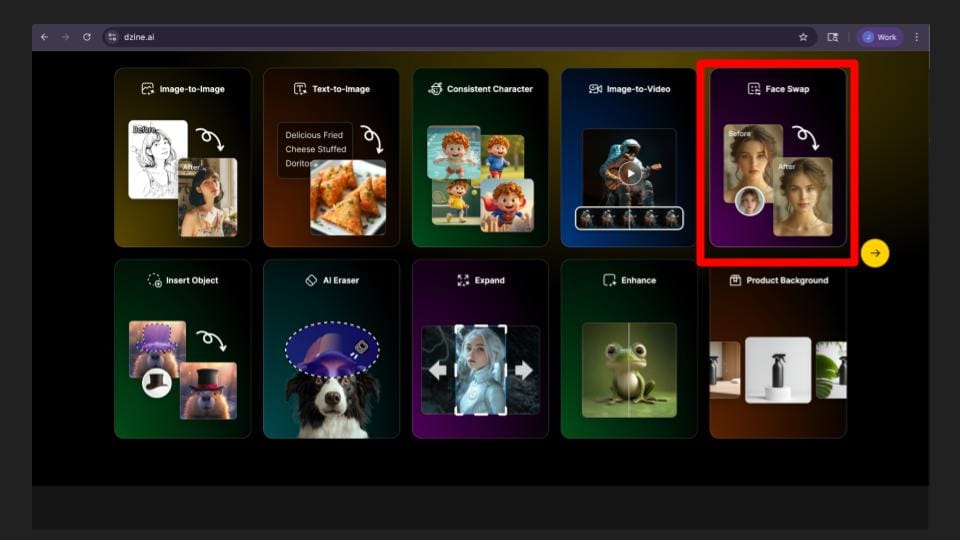
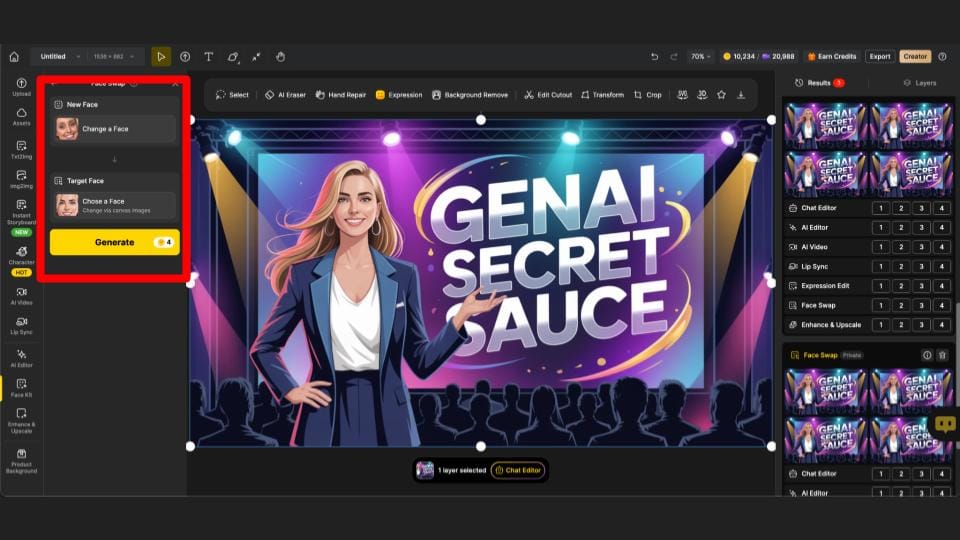
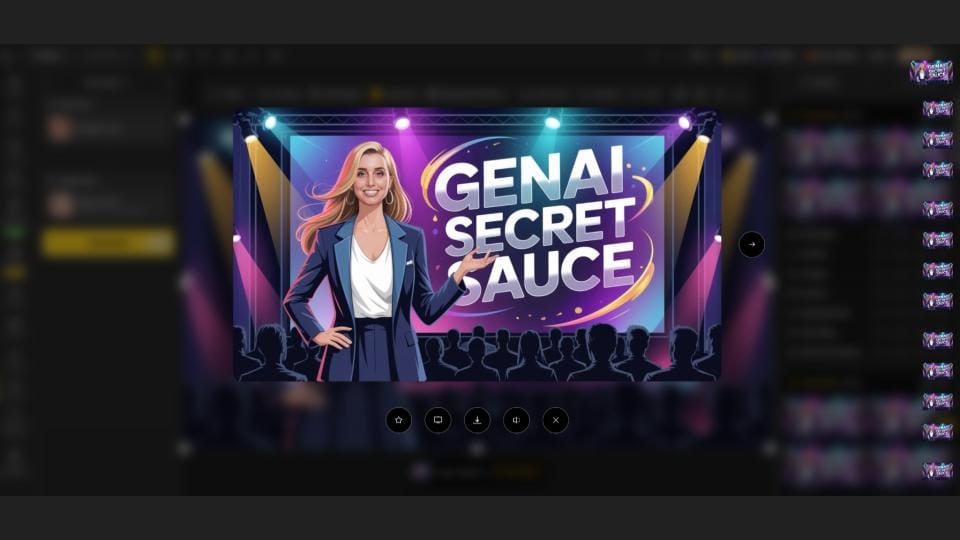
For the best results, you’ll want to match the facial expression, skin color, eye color, and hair color between your photo and the target image. I used this exact technique to create the opening slide for my presentation. I generated the background image and text using ideogram.ai (my favorite tool for images with text) and then used Face Swap in Dzine to make the speaker look like me.
By using this toolbox of techniques and platforms, anyone can overcome the challenge of visual inconsistency and unlock a new level of creativity.
AI Toolkit Matrix
Here is a list of the tools mentioned in the presentation, their costs as of August 2025, and their primary use cases.





Member discussion