
On this page
It was early December. My custom holidays cards were ready to be mailed. I had set up a simple Google Form to collect addresses from friends and family, and the responses flowed perfectly into a neat, tidy Google Sheet. I had the names. I had the addresses. I was ready to print labels.
How do I get Google Sheet addresses onto Avery labels?
If you come from the world of Microsoft Office, you take this for granted. For decades, Word and Excel have had a native "Mail Merge" button that makes printing labels a five-minute task.
I assumed Google would be the same. I was wrong.
Despite all its power, the Google ecosystem simply does not have a native mail merge feature for labels.
The Paywall Problem: "That'll be $79, please."
Naturally, I Googled it. And what I found was a graveyard of frustration. The Google Workspace Marketplace is flooded with third-party extensions that promise to solve this simple problem, but they all have a catch.
The most common trap? "Print 5 labels for free!" (Great, I only have 95 left to go.) The only way forward is to sign up for an annual recurring fee, all for a tool I only needed to use for 15 minutes.
In previous years, I would have just paid it. But not this year.
This year, I was empowered with AI. I was ready to roll up my sleeves and "rage-code" a solution. The result? A pro-level tool that I’m sharing with you today, completely free.
For another way to turn a manual pain point into a small custom tool, see the documentation-combiner workflow.
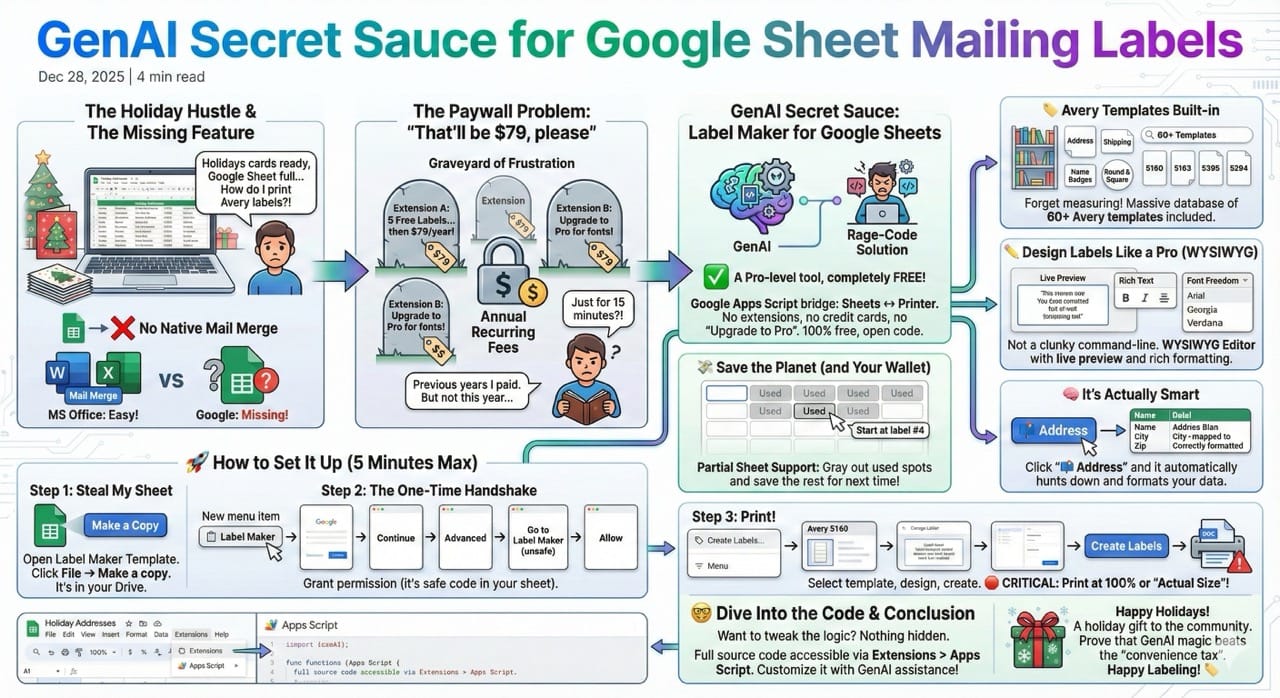
Introducing: Label Maker for Google Sheets
Label Maker is a Google Apps Script that acts as the bridge between your Sheet and your printer. No extensions to install. No credit cards. No "Upgrade to Pro" buttons.
It is 100% free, open code that you own.
Features
🏷️ Avery Templated Built-in
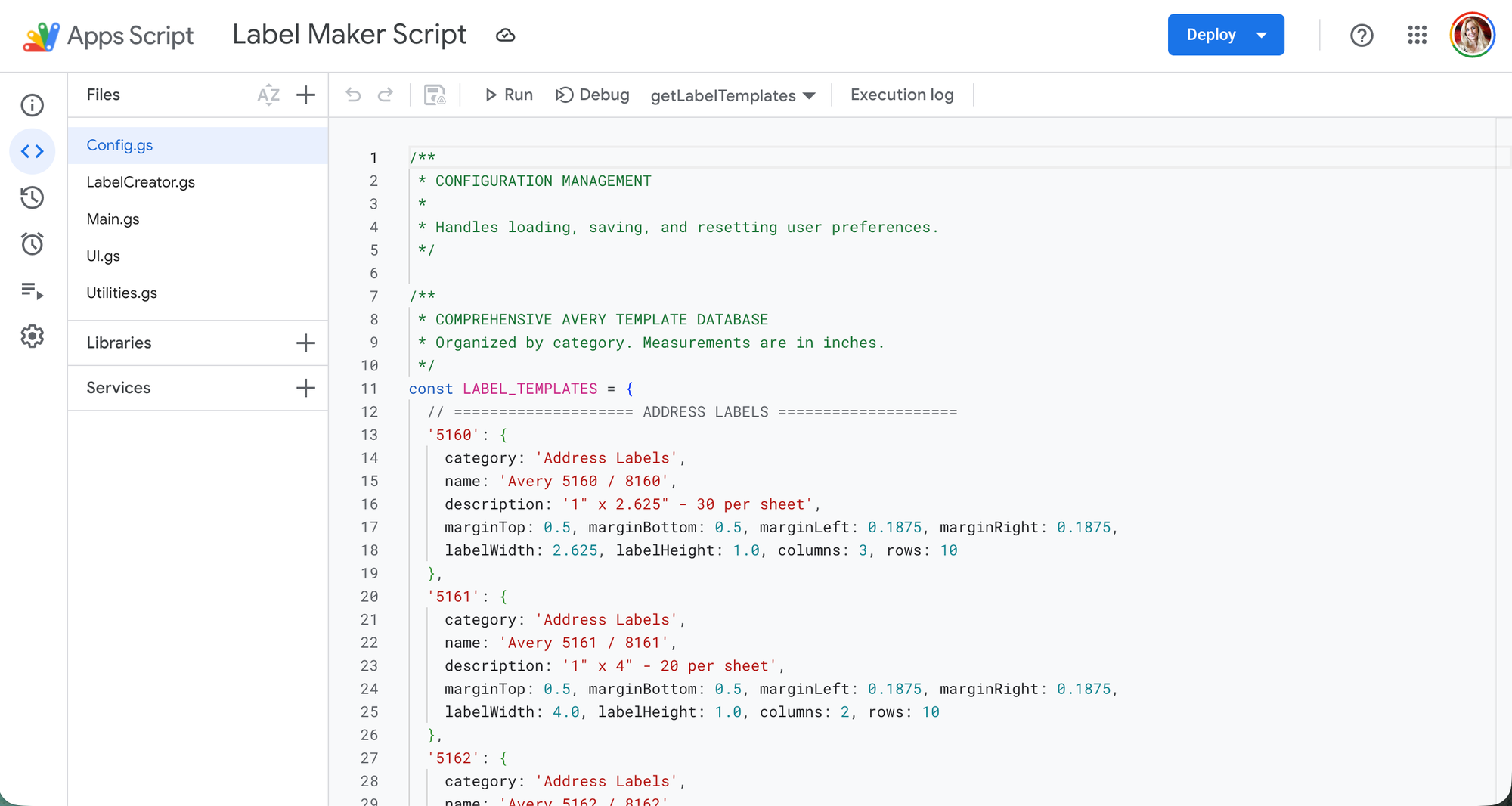
Forget measuring margins with a ruler. I’ve included a massive database of over 60 Avery templates. Whether you are printing address labels, name badges, or round stickers, it’s in there.
Design Labels Like a Pro (Not a Coder)
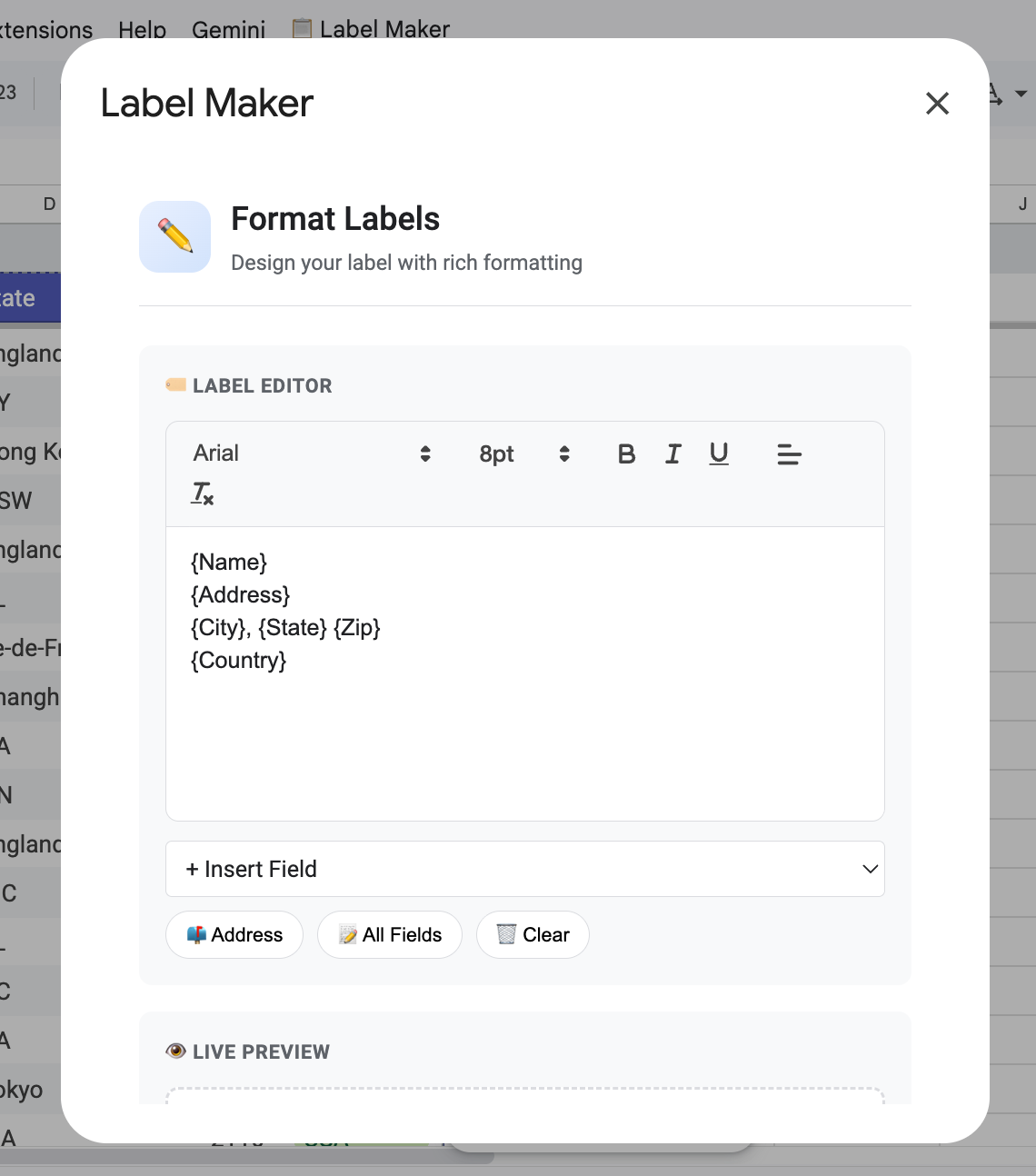
This isn't a clunky command-line tool. It features a WYSIWYG (What You See Is What You Get) Editor.
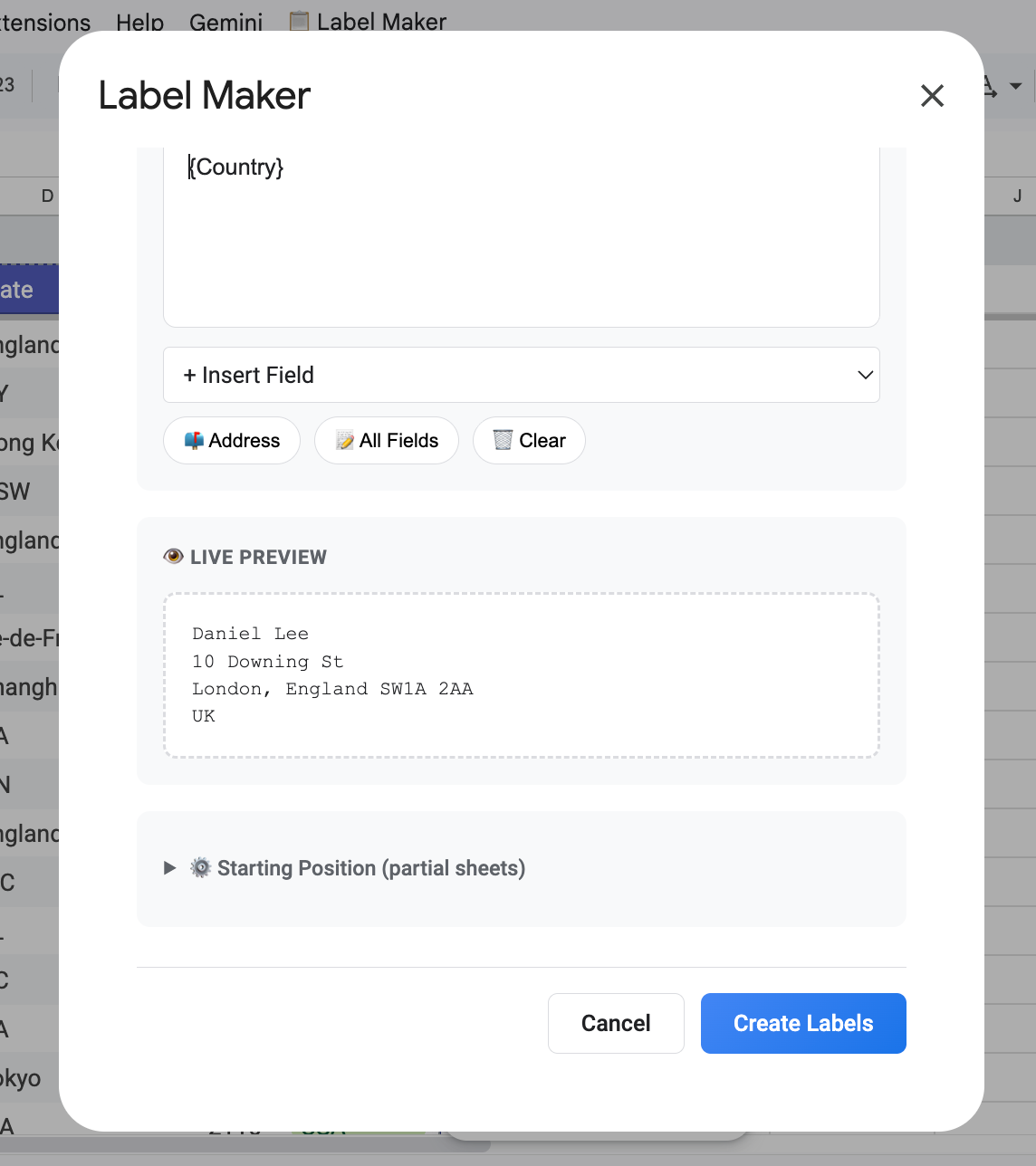
- Live Preview: See exactly how your label looks before you print.
- Rich Text: Bold, italic, center-align - make it pretty.
- Font Freedom: Arial, Georgia, Verdana, and more.
It’s Actually Smart
Click the "📫 Address" button, and the tool automatically hunts down columns named "Name," "City," or "Zip" and formats them correctly. It does the heavy lifting so you don't have to.
Save the Planet (and Your Wallet)
Have a sheet of labels with three stickers missing? Don't throw it away!
With Partial Sheet Support, you can tell the printer to "Start at label #4." Gray out the used spots in the visual grid, and save the rest for next time.
How to Set It Up (5 Minutes Max)
This is the "Secret Sauce." You don't need to learn code. You just need to copy a file.
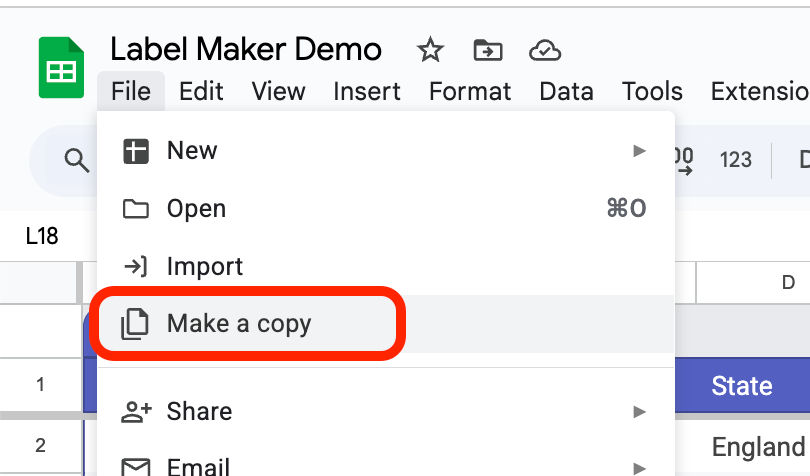
Step 1: Steal My Sheet
- Open the Label Maker Template.
- Click File → Make a copy.
- That's it. It's in your Drive now.
Step 2: The One-Time Handshake
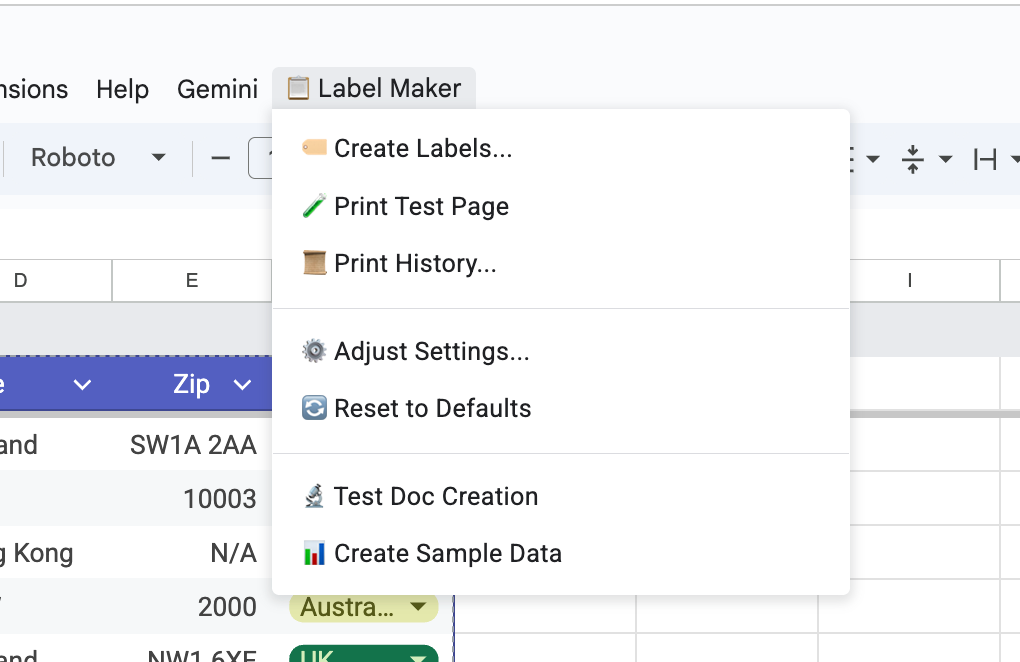
- Look for the new menu item: 📋 Label Maker (it might take a few seconds to appear).
- Click Create Sample Data.
- Google will ask for permission. This is scary-looking but standard for custom scripts.
- Click Continue.
- Choose your account.
- Click Advanced → Go to Label Maker (unsafe). (It's safe, I promise - it's just code running inside your own sheet).
- Click Allow.
Step 3: Print!
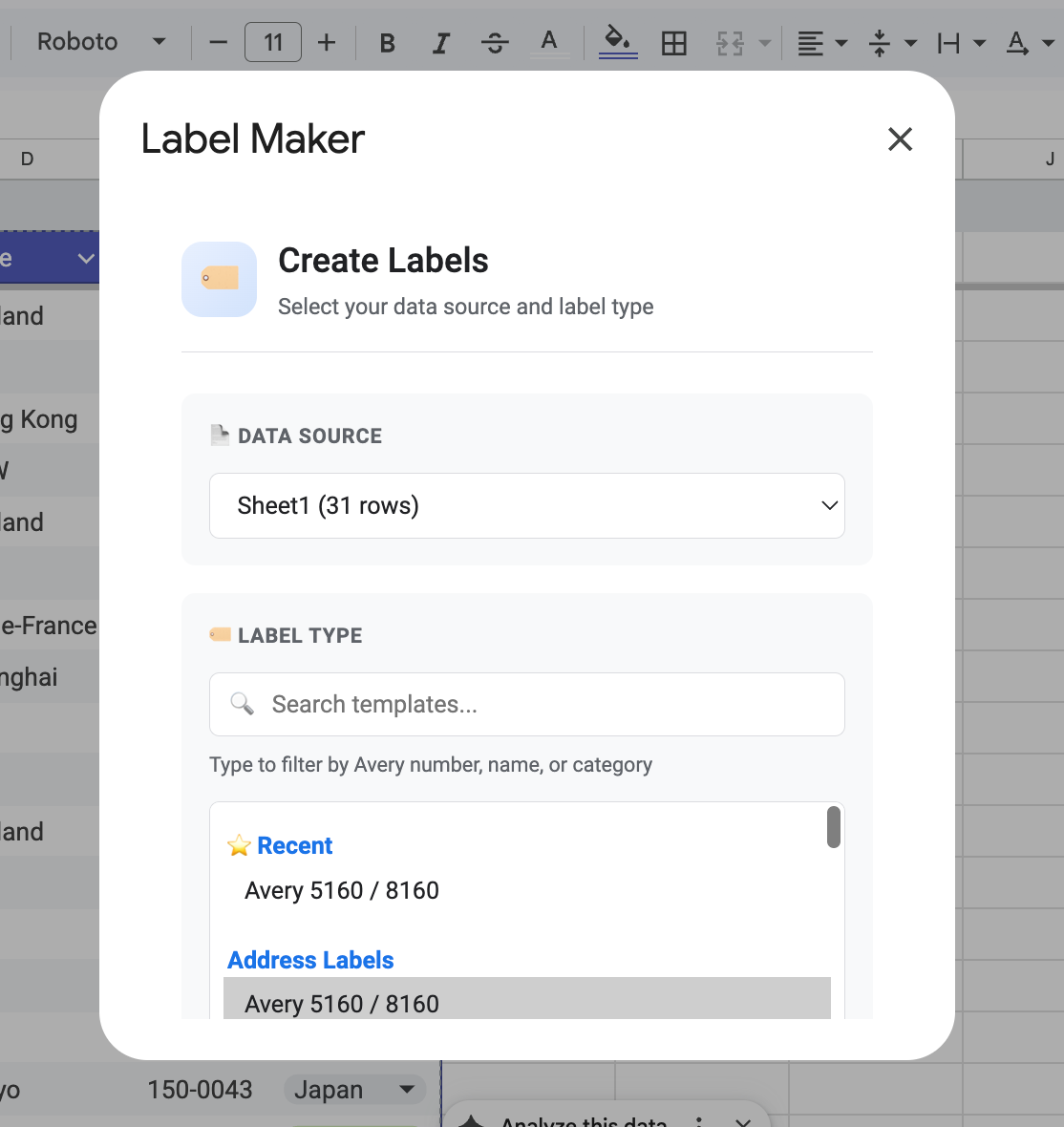
- Click 📋 Label Maker → 🏷️ Create Labels...
- Pick your template (e.g., Avery 5160).
- Design your label.
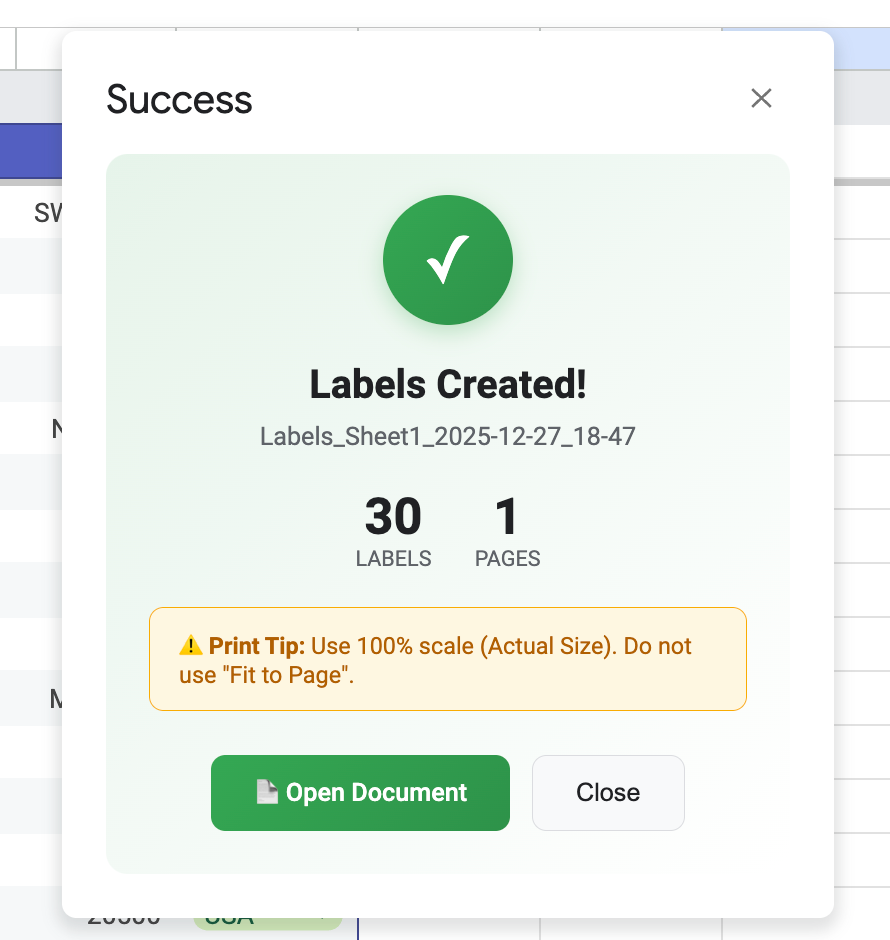
- Hit Create Labels.
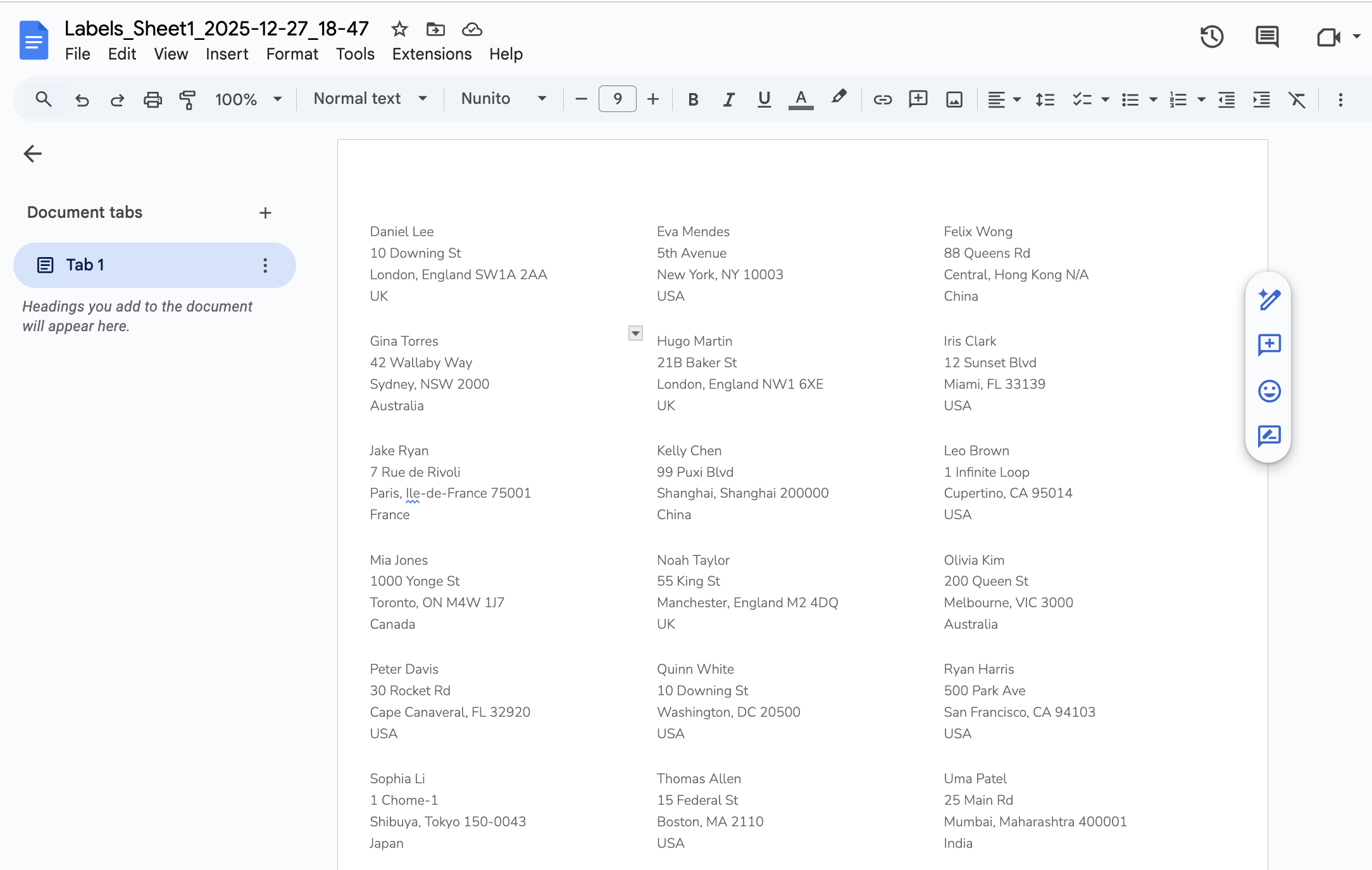
- Open the generated Google Doc and hit Print.
🛑 CRITICAL RULE: When printing, ensure your printer scale is set to 100% or "Actual Size." If you leave it on "Fit to Page," your labels will be slightly off, and you will be sad.
Dive Into the Code
Want to see it works? Or maybe you want to tweak the logic to fit a very specific need?
Because this runs on Google Apps Script, nothing is hidden behind a "black box" or a compiled application. You have full access to the source code.
- Click Extensions in the top menu.
- Select Apps Script.
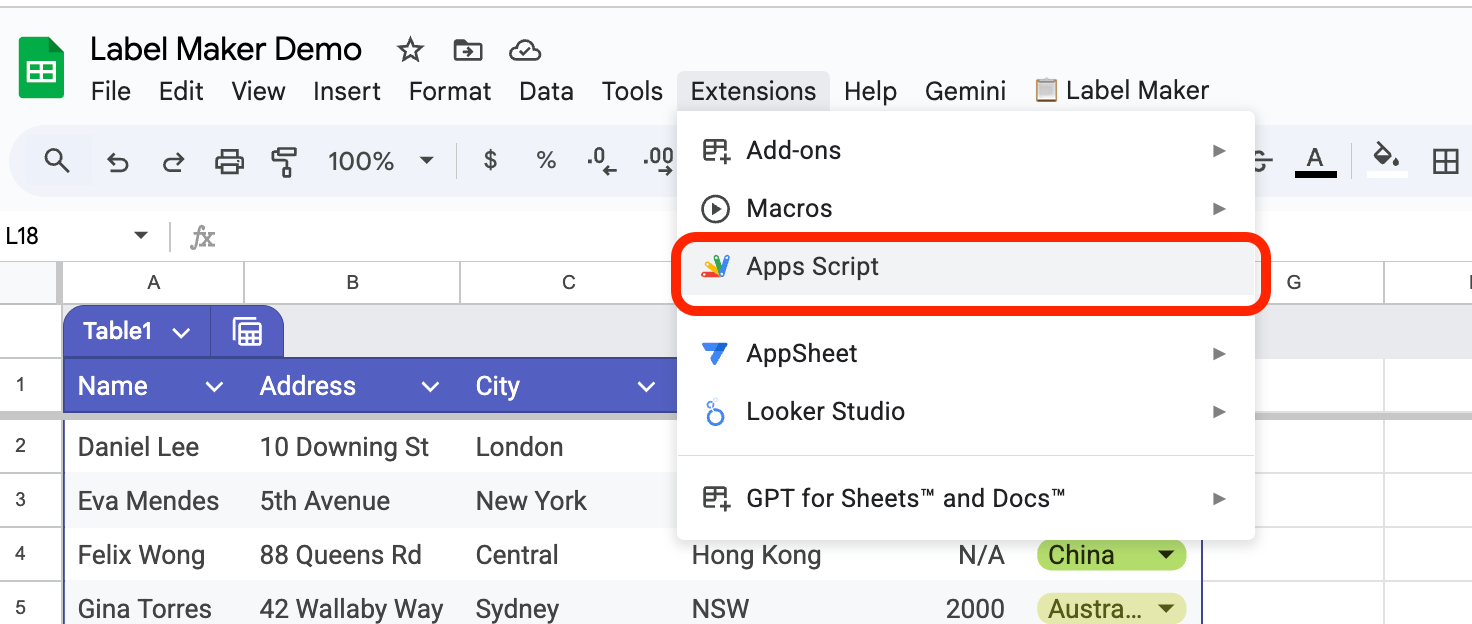
Whether you are a seasoned coder or just want to paste snippets into ChatGPT to learn how it works, you have full control to customize it as much as you want.
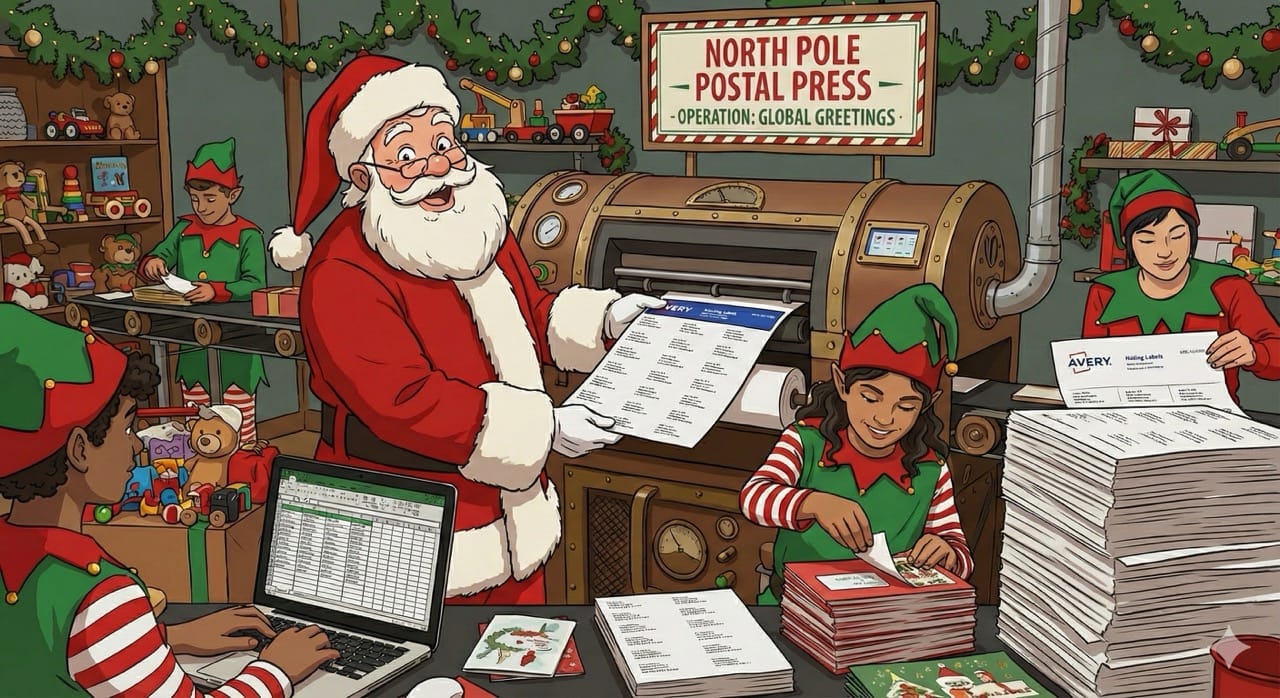
Happy Holidays!
I built Label Maker as a holiday gift to the community and to prove that with a little GenAI magic, we don't always have to pay the "convenience tax."
Happy Labeling! 🏷️


Member discussion